Printable paint-by-number & coloring kits — checked before you print.
Download curated, print-tested kits — numbered preview, line art, and palette legend — or bring your own photo into the Studio (beta). Everything runs in your browser: no account, no server uploads.
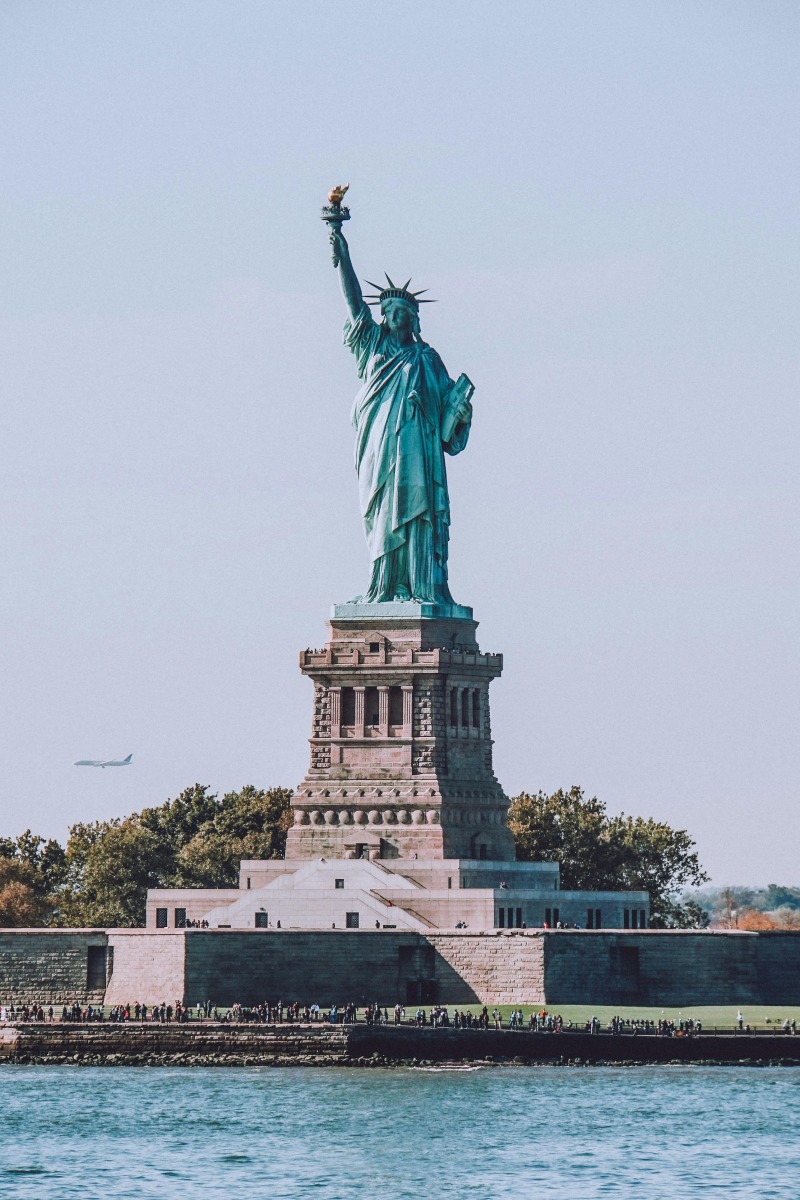
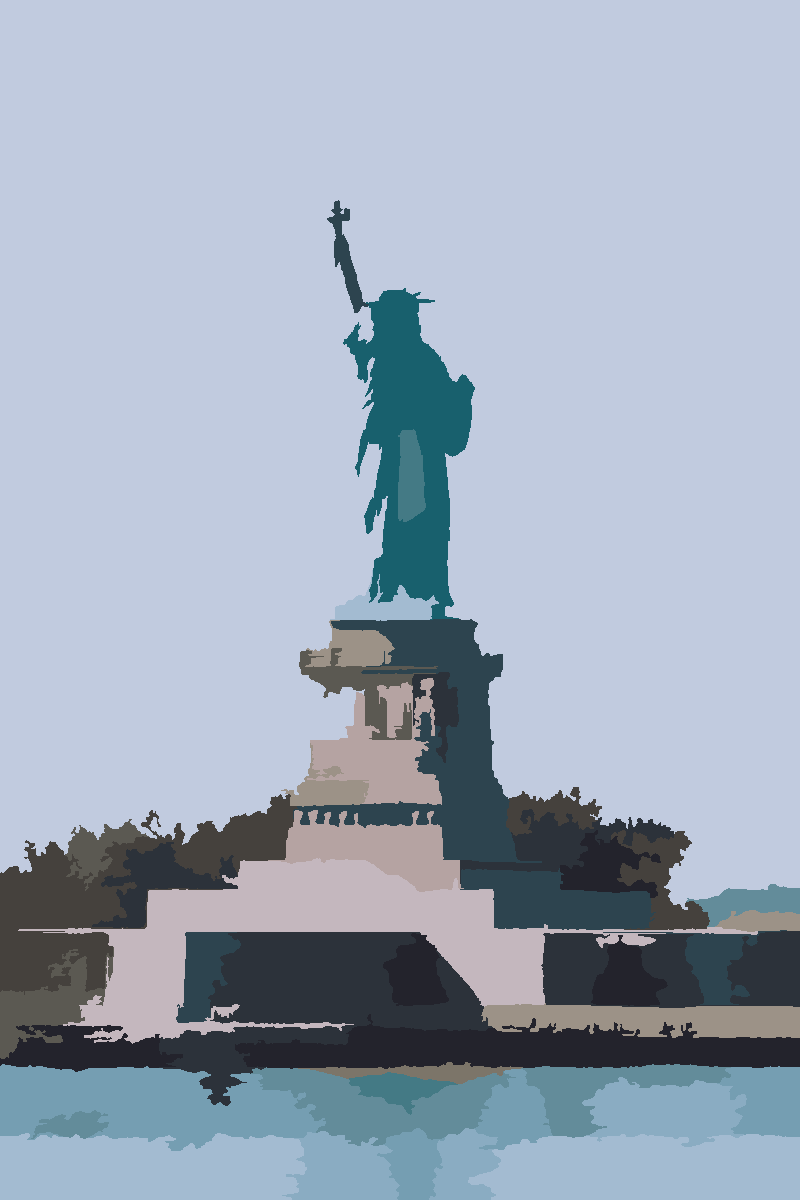
Sample render from our local classical-CV pipeline.
Start with a print-tested kit.
The simplest way in: download a curated coloring kit and start painting. Prefer your own photo? The Studio beta turns it into a paint-by-number in your browser.
- ✓10–12 curated coastal & city coloring kits (planned)
- ✓Numbered colour preview for every kit
- ✓Black-and-white numbered line art for every kit
- ✓Palette legend / colour key per kit
- ✓A4 + US Letter printable PDFs
Digital download — printable PDF & PNG. No physical kit is shipped.
Launch price planned: $5–$9 one-time. Checkout opens once the pack clears its print + licence review. Nothing is charged today.
Try a free sample first
See exactly what a finished kit looks like — original photo, numbered render, and palette legend — and make your own for free in the Studio. Digital printable only; no physical kit.
Get the free sample →Custom photo → paint-by-number
Bring your own photo into the in-browser Studio. It is a free beta — results depend on the image and work best with clear, high-contrast photos.
Open the Studio (beta) →- Browser-local processing
Canvas APIs in your tab. No server pipeline.
- No upload
Your photo never leaves your device.
- Deterministic output
Same image + same settings → same poster, every time.
- Not AI-generated
Median-cut quantization + cell-grid sampling. No black-box model.
Print-quality checks, built in.
Most “free PBN” tools hand you a file and hope it prints. PaintGrid runs deterministic checks on every sheet — right in your browser — so you catch print problems before you waste ink or ship a worksheet that won’t paint cleanly.
Flags colors that are nearly identical, so the numbers stay easy to tell apart on the printed sheet.
Spots tiny, sliver, and hard-to-paint regions before they reach paper — and merges the unpaintable ones.
Scores how many regions carry a readable number and warns when too many would print blank.
Holds the “Recommended for printing” mark until label coverage is high, and fits A4 or US Letter at 100% scale.
Print-ready PDF, numbered & color PNG, palette legend (CSV) and a paint shopping list — plus multi-page poster and classroom splits.
Checks run live in the Studio (beta). Curated kits are checked the same way before they’re published.
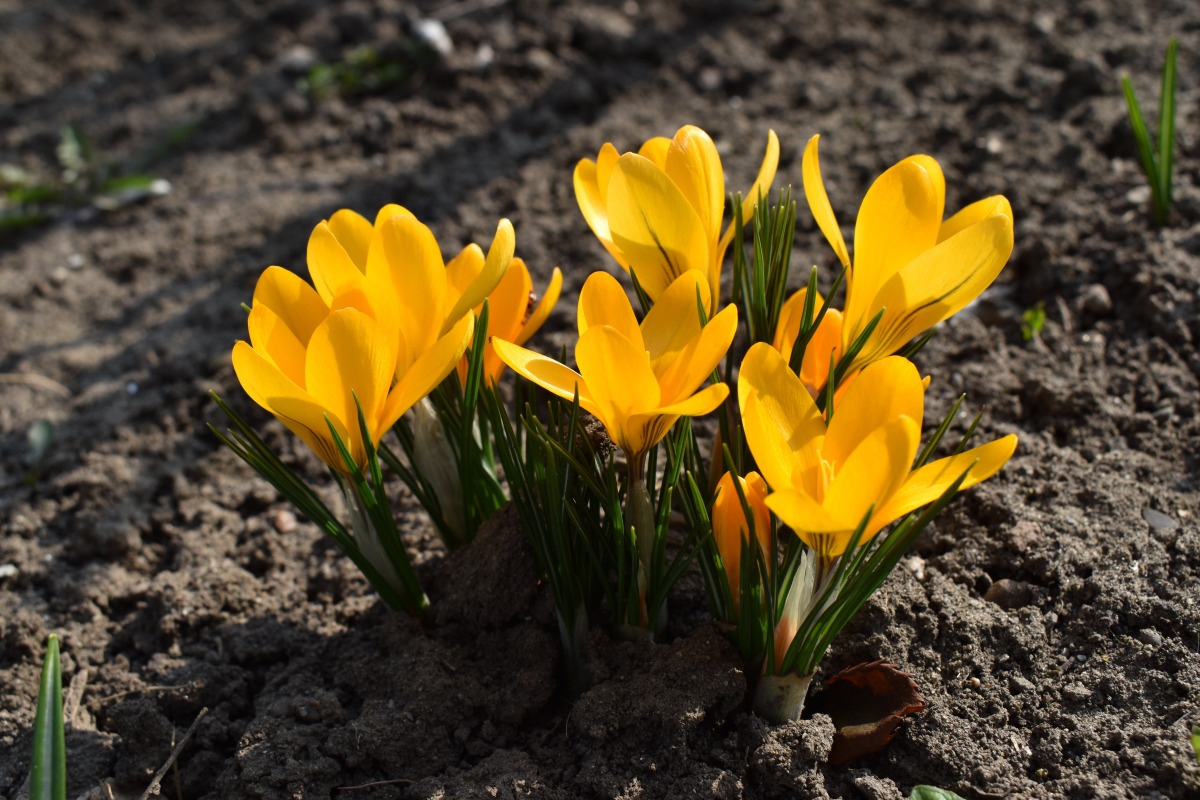
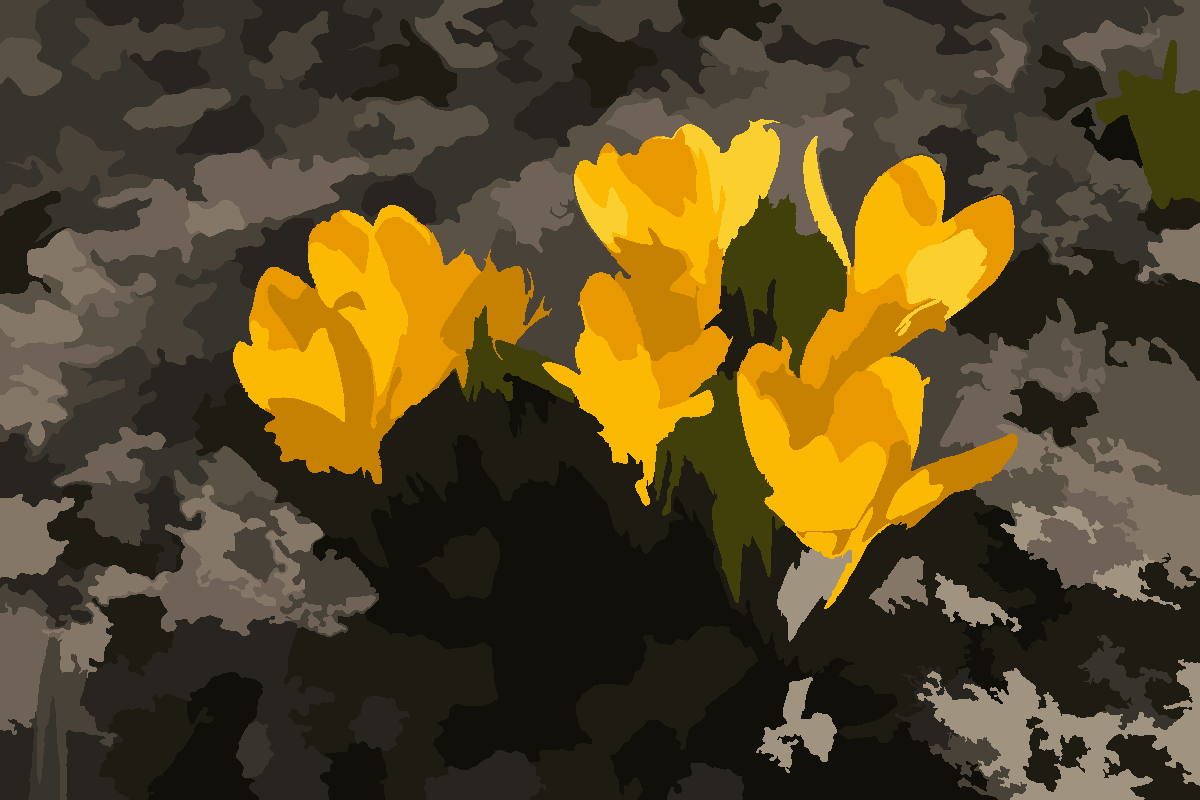
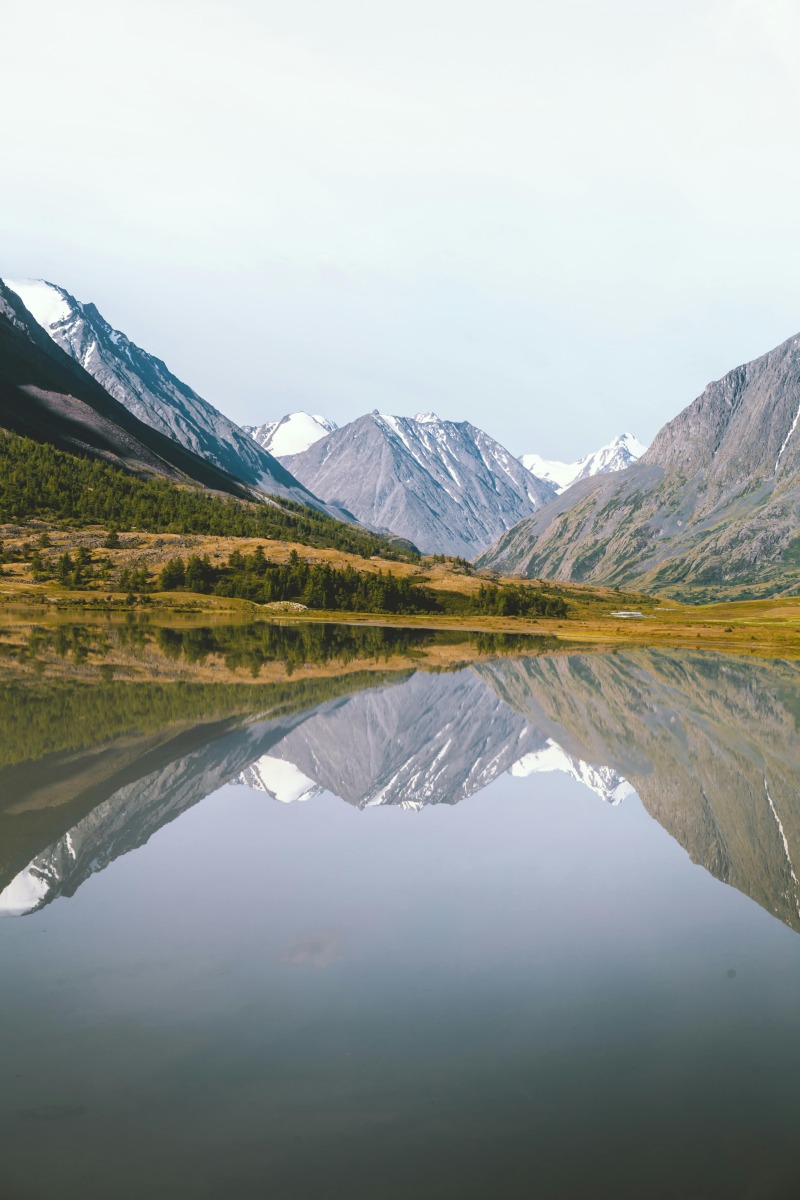
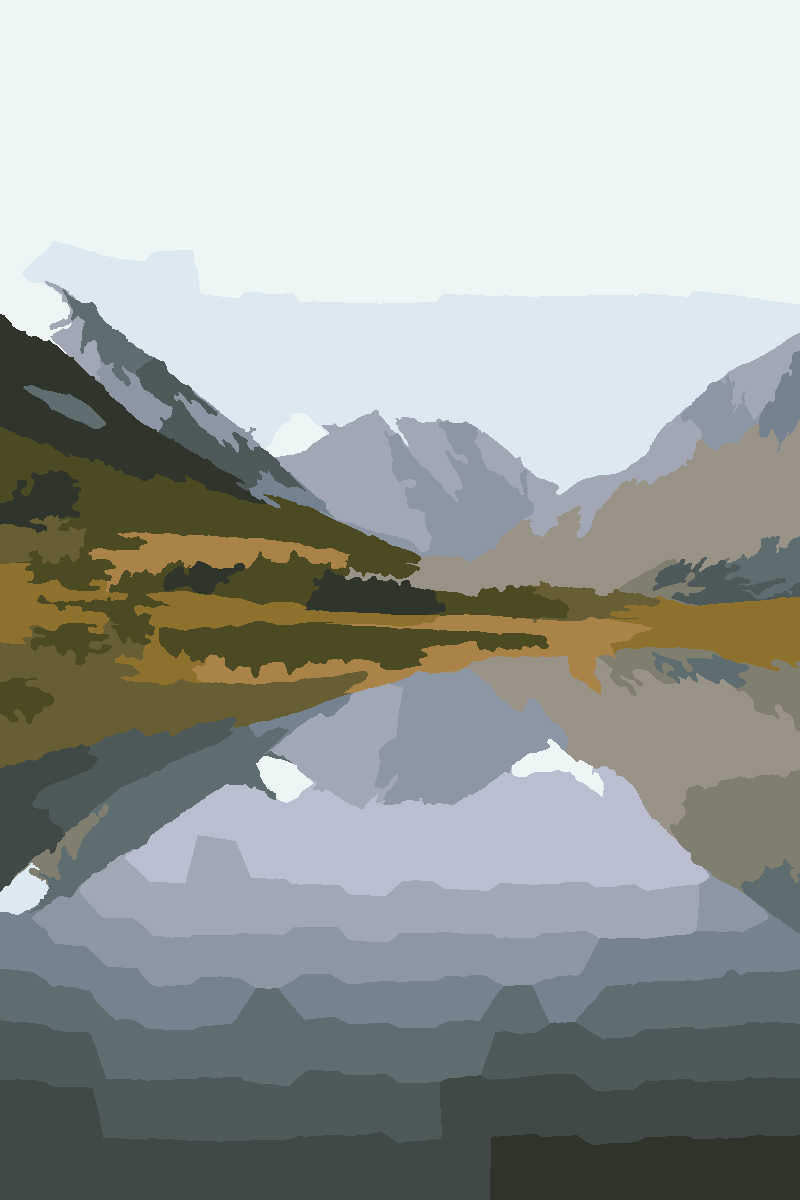
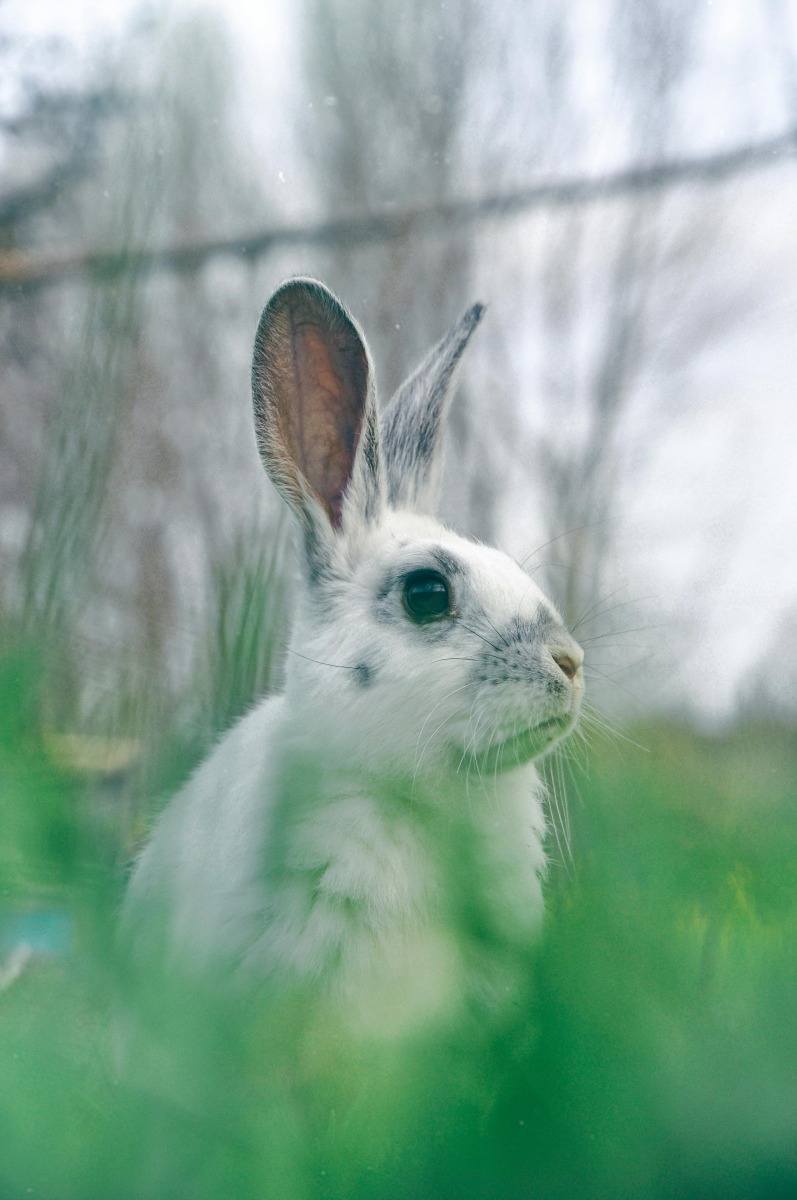
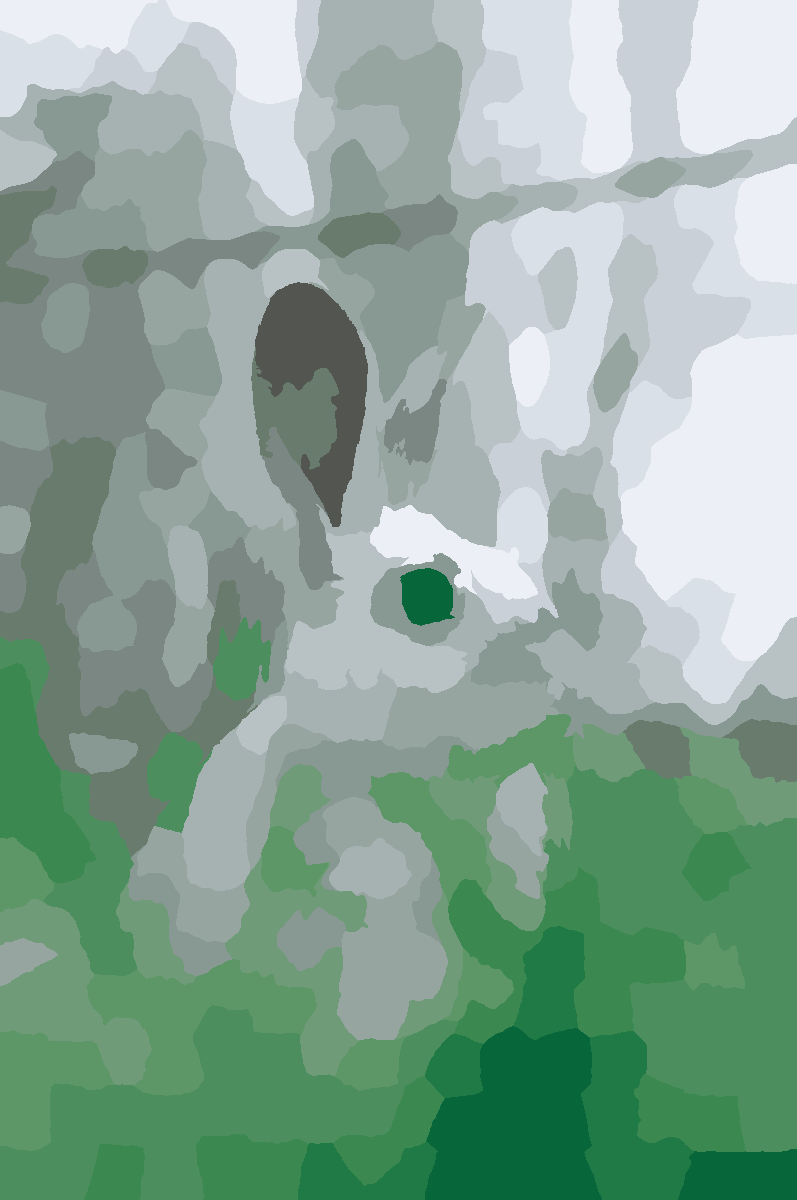
Original photo → PaintGrid output.
Three categories from the local classical-CV pilot. Each pair is the input photo above and the paint-by-number render below — no AI, no cloud.
How a print-ready kit comes together.
No accounts, no uploads to a server, no waiting. The whole pipeline runs in your browser using deterministic image processing — and checks the result for print problems before you export.
Open a built-in sample for a one-click print-ready preview, or drop your own JPG/PNG/WEBP. Photo input is an experimental beta and works best with simple, high-contrast images. Your image stays in your browser by default.
From bold 4-color kids art to fine-art 32-color portraits. Lock to paints you already own.
Black-and-white outline canvas with numbered cells, color preview, and a printable legend.
From 4 × 6 in photo prints up to 24 × 36 in. Single page or huge multi-page mural with assembly guide.
Paint What You Own
Enter the paints you already have on your shelf. The generator locks to that palette and emits a shopping list of what's missing. No more buying tubes you don't need.
Try it →- 🧒 Kid-friendly: fewer colors, bigger cells
- 🖼️ Fine-art: high color count, fine detail
- 🧱 Multi-page poster: tile across many printable sheets
- 🏫 Classroom pack: split image per student (planned)
- 🎁 Gift kit (planned): printable cover + legend pages
Free to use. Paid kit & passes planned.
The Studio is free to use today. Starter Pack 001 is the first paid digital product, and the one-time Export Pass and planned Studio/Pro tiers are previewed below — their upgrade buttons are placeholders during the beta.
- ✓Watermark-free PDF and PNG export
- ✓Poster / multi-page tiling
- ✓Larger canvas up to 24×36 in
- ✓Up to 24 colors
- ✓Full shopping list / paint inventory
Payments are not live yet during beta — the Export Pass is a planned one-time purchase. Nothing is charged.
Monthly plans — coming soon
- ✓Up to 8 colors
- ✓Canvas up to 11×14 in
- ✓PDF + PNG export
- ✓Numbered preview
- ✓Watermarked output
- ✓Up to 24 colors
- ✓Posters up to 24×36 in
- ✓Multi-page poster tiling
- ✓Watermark removed
- ✓Paint inventory + shopping list
- ✓Starter palette library
- ✓Up to 32 colors
- ✓Mural mode (48×72+ in)
- ✓Batch export
- ✓SVG export (coming soon)
- ✓Classroom Pack splits
- ✓Commercial-use license
Payments are not live yet during beta. Upgrade buttons are placeholders.
The two questions every visitor asks.
No. PaintGrid uses deterministic image processing — median-cut color quantization, cell-grid sampling, and mode-filter smoothing. Same photo plus same settings always produces the same paint-by-number poster.
Nowhere. The whole pipeline runs in your browser using Canvas APIs. There are no uploads, no accounts, and no telemetry.
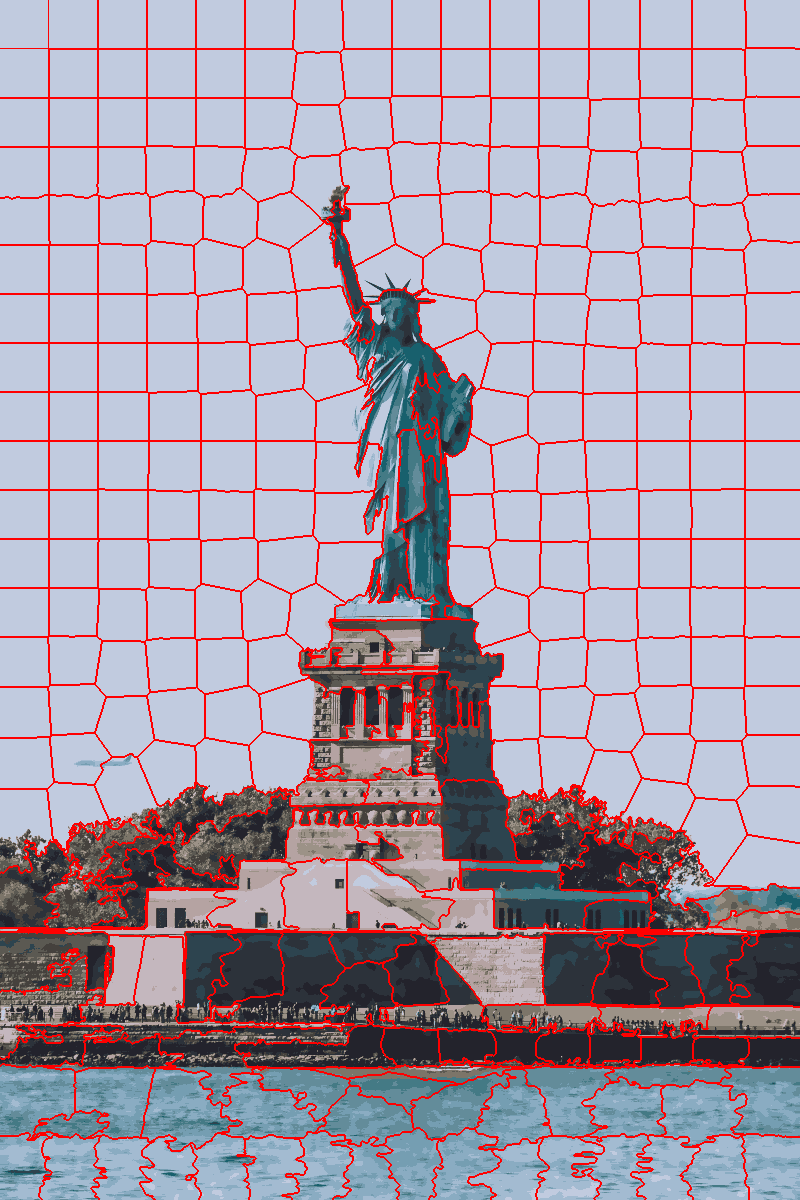
The red lattice on the left is the actual region boundary map the local segmentation step produces. Adjacent same-color regions are merged, each one is numbered, and the result is the printable poster on the right of the hero — no model output, no guessing.
Lattice rendered by the classical-CV pilot. Production pipeline uses an in-browser canvas variant with the same deterministic behaviour.
Common questions
How does it work?+
Upload an image. The browser quantizes it to a small palette, slices it into cells, assigns each cell a paint number, then renders a printable black-and-white outline with a matching color legend.
Can I use my own paint set?+
Yes — paste hex codes or pick a starter palette (Basic Acrylic 12, Portrait Set, Landscape Set, Grayscale, High Contrast, Earth Tones). Locking the palette forces the output to map to those exact paints.
How big can I print?+
Today the Free tier renders up to 11×14 in. Studio (24×36 in posters with multi-page tiling) and Pro (mural-scale, 48×72 in and up) are planned paid tiers. They are listed on the pricing page so you can see what's coming, but payments are not live during the beta — see the Pricing page for the current status.
What about commercial use?+
Paid Pro plans are planned to include a commercial-use license. While the beta runs, payments are not live and outputs are intended for personal / non-commercial use. The Terms of Use describe the current rules.
What happens if my design has regions too small to paint?+
The Studio checks label readability and region complexity as it generates your design and flags issues like unlabeled or hard-to-paint regions, so you can adjust color count, region density, or smoothing before you export — rather than finding out after you've printed.
What can I export?+
A single-page or multi-page poster PDF, a numbered-outline PNG, a color-preview PNG, a CSV color legend, and a plain-text paint shopping list. Studio and Pro plans add a Classroom Pack PDF (one section per student) once payments are live.
Ready to make something paintable?
Start with a free sample, or bring your own photo into the Studio. No account required to try.